 ASSIST




Admin mode
Ask and
ASSIST gets it done

tasks run a day by superusers



ASSIST
8:00 AM
Priority: contact customers before cover lapses.
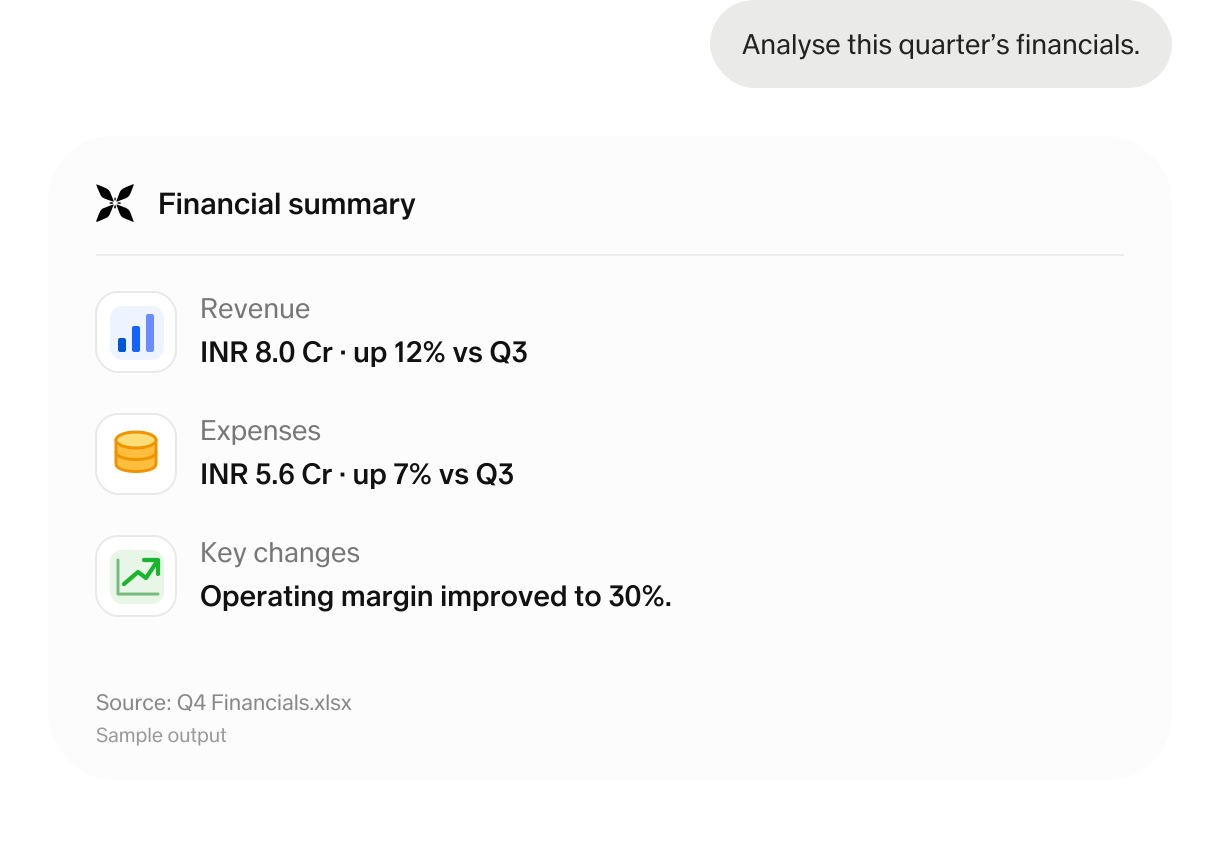
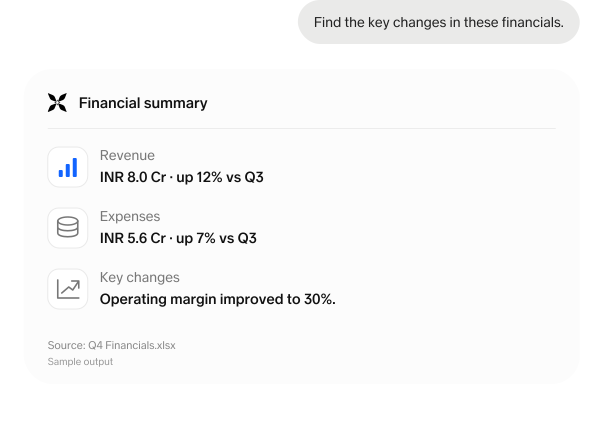
Financial pulse
Demo data · modelled trends, not reported daily figures. pp = percentage points.
Connected apps
Office apps. Excel, Word, PowerPoint.
AI workspace for your whole team


Delighters & improvements
Shipped since
January
Some of our favourites
features and improvements

Coming soon ASSIST MCP. Bring your ASSIST content directly into the other AI tools your teams use, including ChatGPT, Gemini, and Claude.

Invite Team mates. Bring your team into ASSIST. Invite colleagues by email and start working together in one workspace.

Better image generation in Edit mode. Generate or edit any image in your course with significantly better quality, especially for images with text.

Works in Hindi and Marathi. Ask questions, understand documents, and get answers in Hindi or Marathi, alongside English.

Mentions. Bring teammates and AI agents into a conversation with @mentions, keeping the right people and context together.

Bulk content upload. Bring all your files into one system. Upload documents in bulk and keep your team’s knowledge together in ASSIST.

Groups. Create groups for Finance, Risk, Operations, and more. Give each team shared access to the agents, documents, and resources they need in ASSIST.

Plugins. Extend ASSIST with plugins for the tools your team uses. Bring work from GitHub, Notion, and Figma into one workflow.

SCIM. Provision and manage ASSIST accounts from Microsoft Entra ID or Okta, keeping access aligned with your directory.

Login audit. See who signed in to ASSIST, when, and from where. Review successful and failed sign-ins with a clear record of workspace activity.

Usage History. Understand how your workspace uses ASSIST. Track active users, queries, feedback, and token usage over time.

Spending Limit. Keep token usage under control in ASSIST. Set rolling limits for the whole workspace, each person, or specific groups.